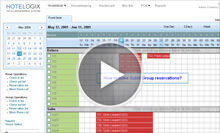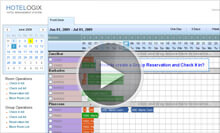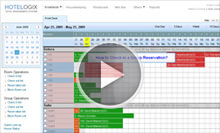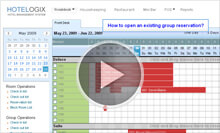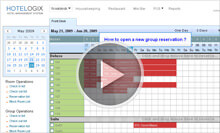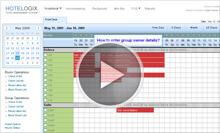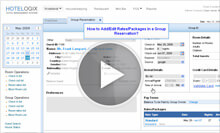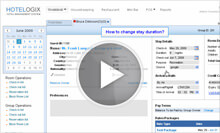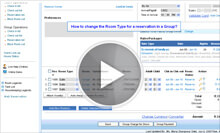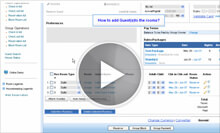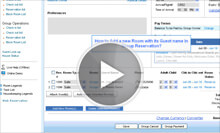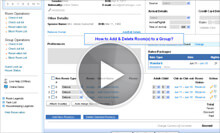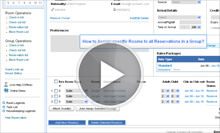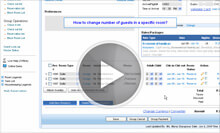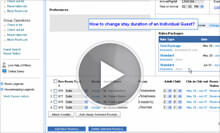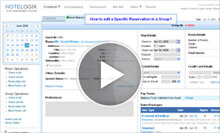
Creating a Single or a Group reservation on Hotelogix Frontdesk is as simple as drawing it on its easy to use Reservation Chart Interface. One can use the Quick Reservation form to do this instantly, or choose to enter details through the Reservation Forms, and manage all its components with complete cotrol. Controls like applying multiple room rates, or booking on different date ranges for different room types, or accomodating special requests of a Group etc. are all easy to add and update on a simple principle of "click to change".
Group Reservation further lets you control each reserved room separately with all controls available in the Single Reservation Form of the specific reservation, which is again accessible by simply clicking on it.
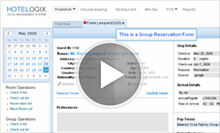
Simply draw the reservation on desired dates and specify the number of rooms and occupancy to Reserve Groups instantly.
Choose from available rates or promotional packages to apply, with automatic calculations for Room Tariffs, Discounts, Inclusive services and Applicable Taxes
An existing Group can be opened in a Group Reservation Form by right clicking on it
All details in the Group Reservation Form can be edited and any change in duration, rates, room type, occupancy or inclusions, recalculates the booking amount & taxes automatically.
A new Group Reservation may be opened in a Group Reservation Form to manage its details completely, and as the set policies of your property.
Apply multiple rates/packages, discounts, special requests, set inter-departmental tasks, add multiple rooms & room types, add credit cards and much more.
Group owner can be a Travel Agent, Corporate or an Individual. depending on the Group owner.
Appropriate Rates/Packages are displayed depending on the Group Owner type with Corporate discounts, Travel Agent Commissions applied & calculated automatically as per contracts and policies.
Group Reservation Form lets you simply manage Rooms in a Group together and yet change them separately with amazing simplicity for extended flexibility.
Click on the stay dates to change them and easily vary the length of stay / occupancy of any room in a Group.
Group Reservation Form lets click to open a specific Room to open it and edit any of its details separate from the Group to accomodate any special request or custom need.
Click here to try now. It takes less than 10 minutes to setup your property for test run on Hotelogix.